- STEP 01
Install
Run the installer. Early builds may not be code-signed yet, so Windows SmartScreen could object once: More info → Run anyway. No admin rights required.
- STEP 02
Point it
DeskSplit starts with its own folder. To use another one, right-click it in Explorer and choose Set DeskSplit folder, or paste a path into the bar.
- STEP 03
Size it
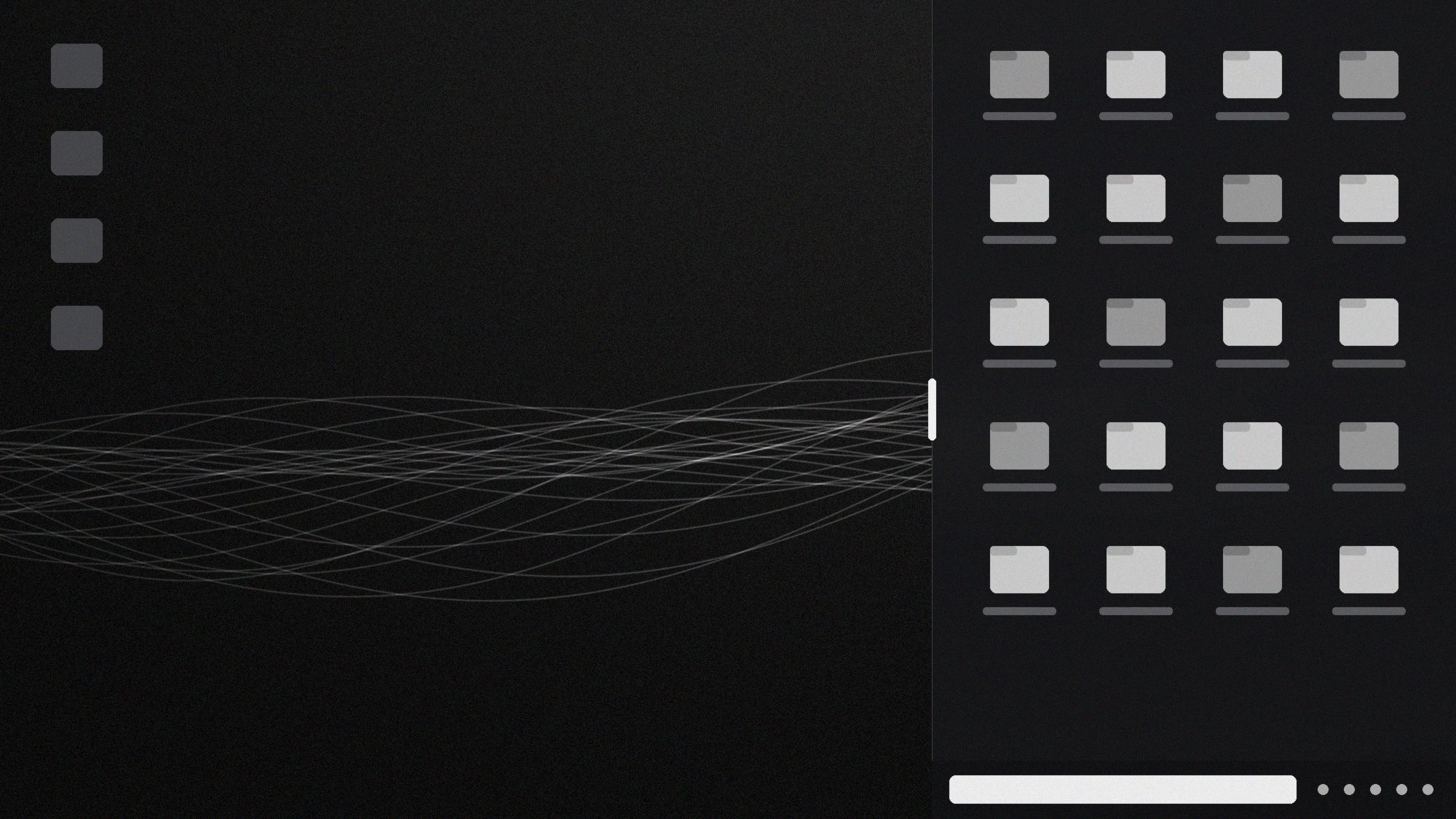
Drag the Pill Grip on the shelf's left edge until the split feels right. The width sticks.
- STEP 04
Use it
Drop files on it, drag them out, select, copy, search. Press Win+D and the shelf is still there.
- STEP 05
Leave it
New builds install in the background. You'll only notice that something got better.
01 / 05
Check for Updates● UP TO DATE
● UPDATE READY · APPLIES ON NEXT LAUNCH