It lives in the desktop, not on top of it
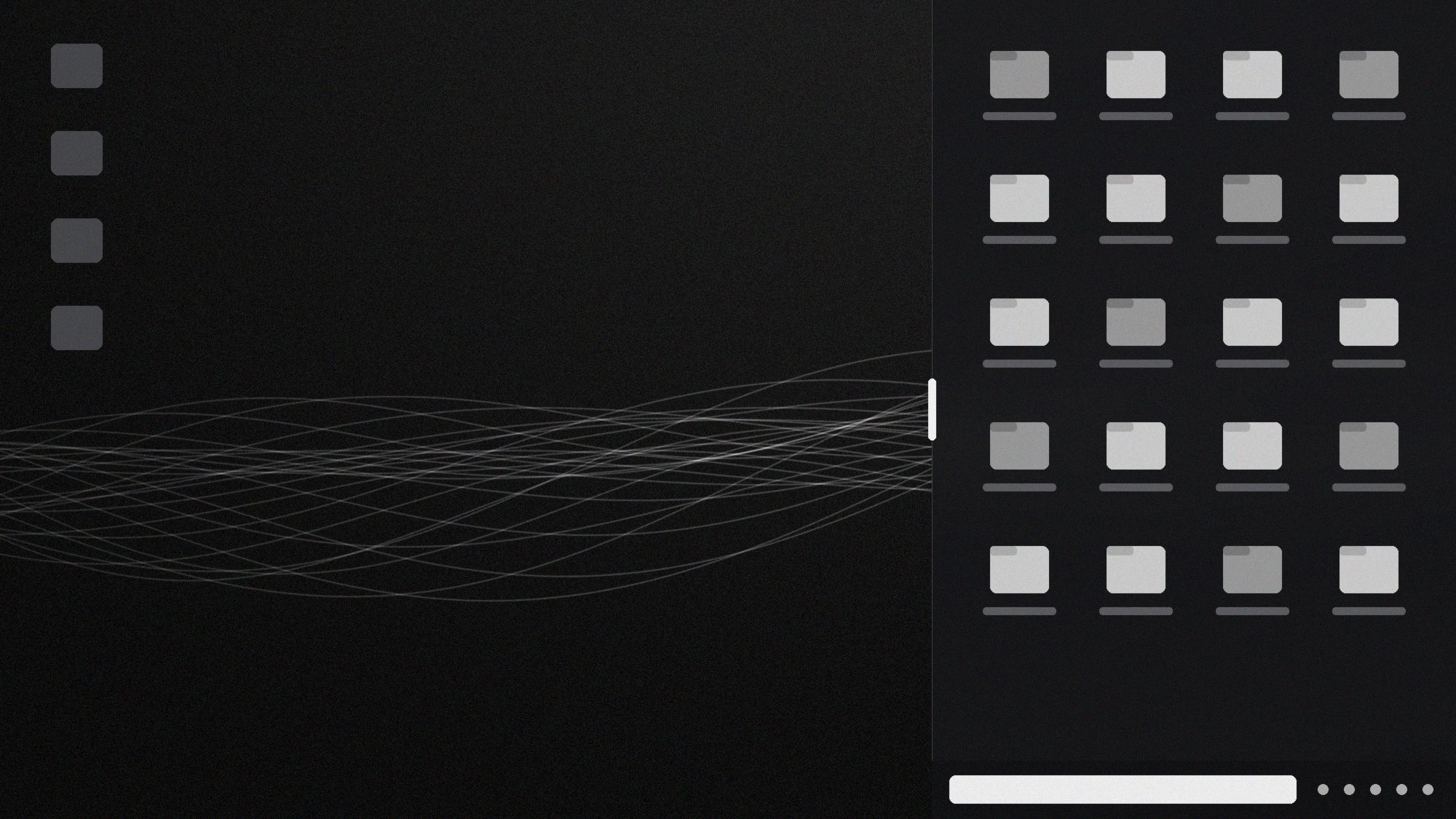
Most “desktop organizers” are windows pretending to be wallpaper. The shelf is docked into the desktop layer itself. Apps open over it, Show Desktop brings it back, and the frosted panel lets your wallpaper show through. It docks on the right, and icons under it are hidden, not moved or deleted.
A handle you can find without looking
The Pill Grip is a small capsule on the shelf's left edge. It stays out of the way until your cursor gets close, then brightens. Drag it left and the shelf grows; drag it right and it shrinks, live. Let go and DeskSplit remembers the width.
Paste a path and you're there
The bottom bar holds a path field, an up-a-level button and search. Paste C:\Projects\Q4, press Enter, and you're there. Search filters the folder you're in as you type.
Your Explorer muscle memory works here
Drag a marquee across files to select them, and Shift-drag to add more. Ctrl+C, Ctrl+X and Ctrl+V behave the way they do everywhere else in Windows. Big copies get the standard Windows progress dialog, and deletes go to the Recycle Bin.
Drag in, drag out
Drag a PDF straight from the shelf into an email. Drop a download onto the shelf to file it. When you need the full window, Open in Explorer takes you to the same folder.
Saving goes straight to the shelf
DeskSplit pins its folder to Quick access. Hit Save in any app and the shelf is in the sidebar, so you don't have to dig through folders.
Right-click to switch folders
Right-click any folder in Explorer and choose Set DeskSplit folder. The shelf switches immediately.
Color the edge
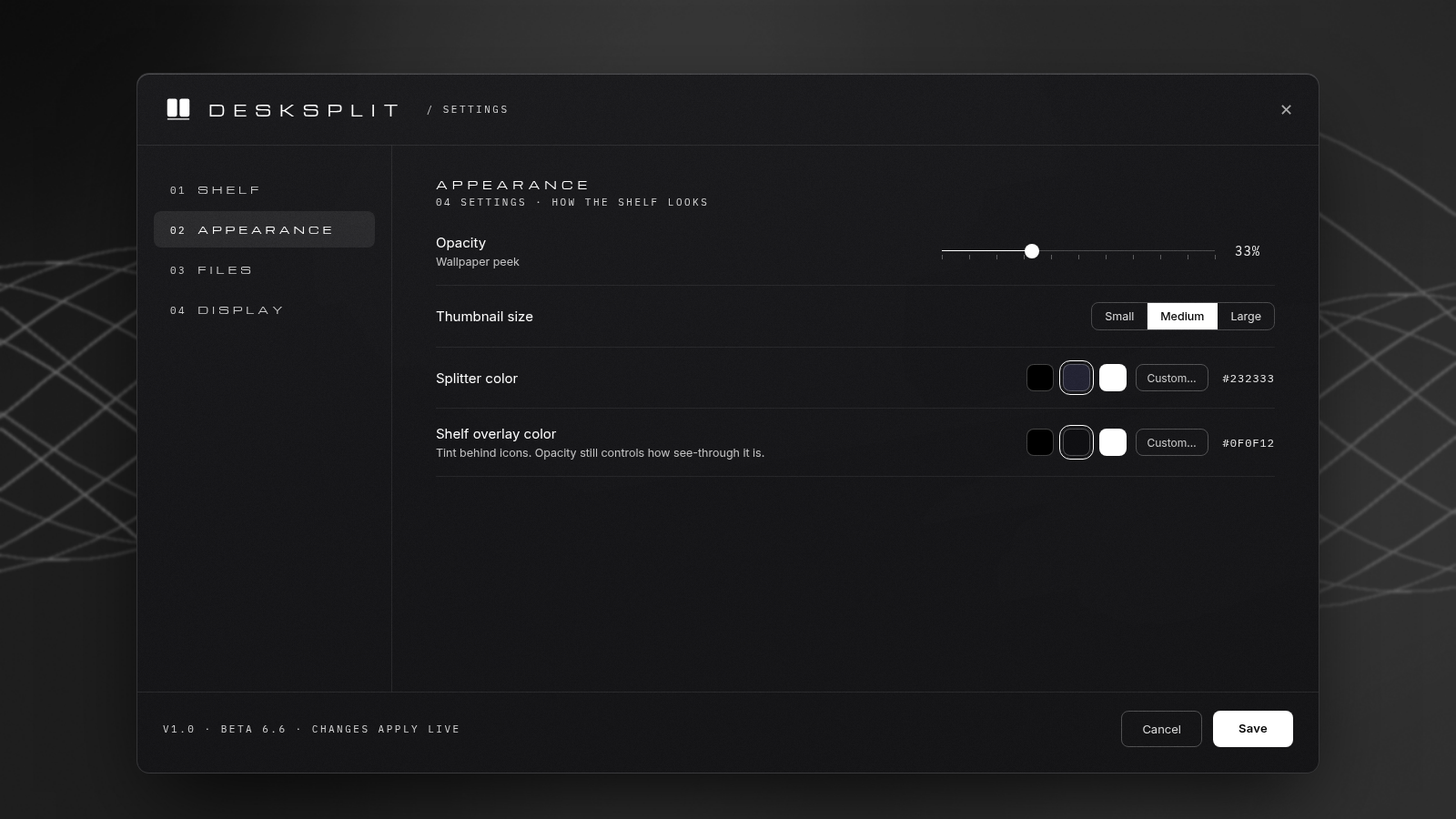
The splitter color sets the shelf's edge and its Pill Grip. Choose Black, Slate (#232333) or White (the default), or type any hex code. Opacity sets how much wallpaper shows through.
Updates you won't notice
DeskSplit comes with a real installer and updates itself quietly in the background. Check for Updates in Settings answers inline: no popups, no nag windows, no “restart now?” in the middle of a call.
A quiet start
On launch, a small centered card shows the mark while the shelf attaches. Then it's gone.